Create PowerPoint slide decks from Excel, JSON or CSV data in seconds
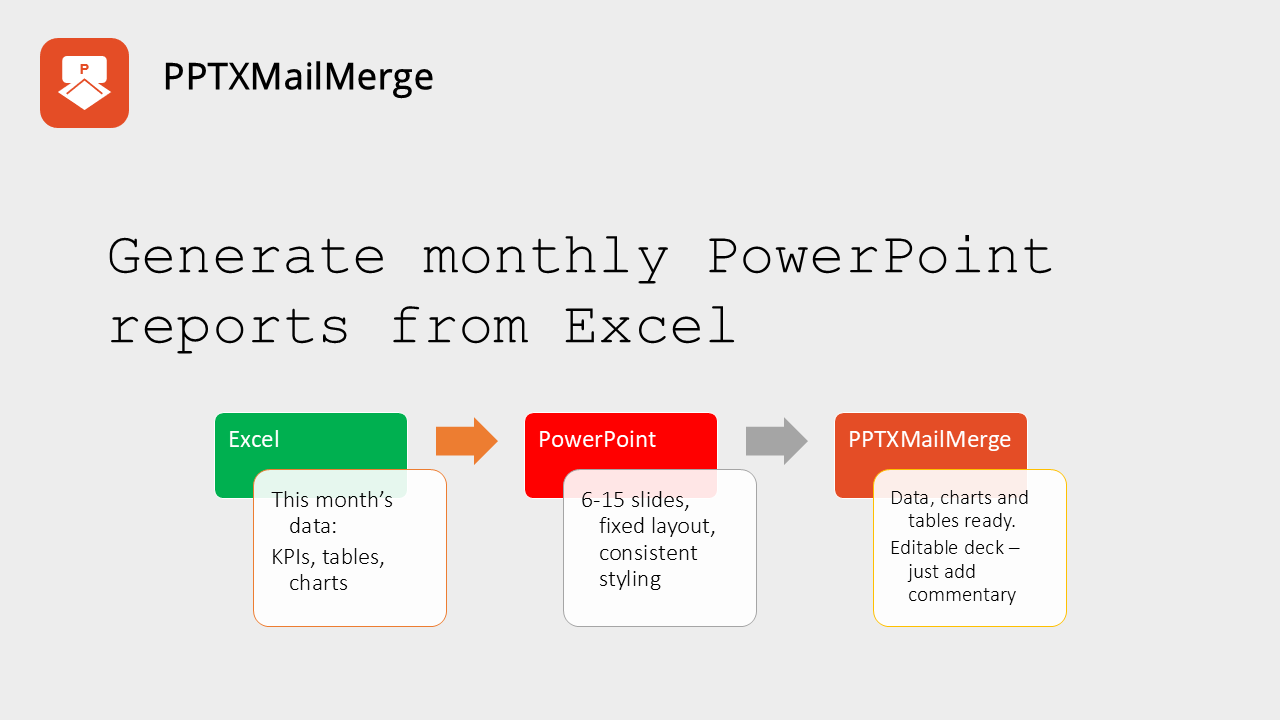
Use PowerPoint Mail Merge to instantly create reports, certificates, proposals, client decks, training materials, and event documents - at scale, with predictable, repeatable results!
Save hours of manual work
Generate personalized PowerPoint decks automatically instead of copying and pasting data slide by slide.
Use your existing data
Upload Excel, CSV, or JSON files and map your data into text boxes, tables, images, charts, and QR codes inside a PPTX template.
Repeat the process reliably
Create consistent reports, certificates, proposals, and client decks every time using the same template and workflow.
How It Works
Often we would wonder why you have to go through so many hoops to merge a PowerPoint presentation with data provided in an external file. We were looking for something like a mail merge (which is available in MS Word), only for PowerPoint. As we were frustrated by lack of such functionality, we have decided to build one.
We wanted to create a tool that would be easy to use, fast and reliable. The process should be as simple as possible, so that it saves you time rather than takes you days just to learn a new tool. Take a look below - there are just 4 steps to merge your data into PowerPoint presentation.
1. Prepare your data file
Upload your data in CSV, JSON or XLSX format.
For simple use cases, like generating certificates for a list of participants CSV file is enough.
For the more complex use cases, like generating a report, a project status or others, you can use XLSX (Excel) or JSON file as data source.
2. Prepare your PowerPoint template
Prepare your PowerPoint template in PPTX format.
Use smart placeholders to show where your data will be inserted.
You can dynamically insert:- Text
- Images
- QR Codes (generated from data)
- Tables
- Charts
- Notes
3. Configure the generating process
- Decide if you want to repeat the template for each data row or merge the data with the template.
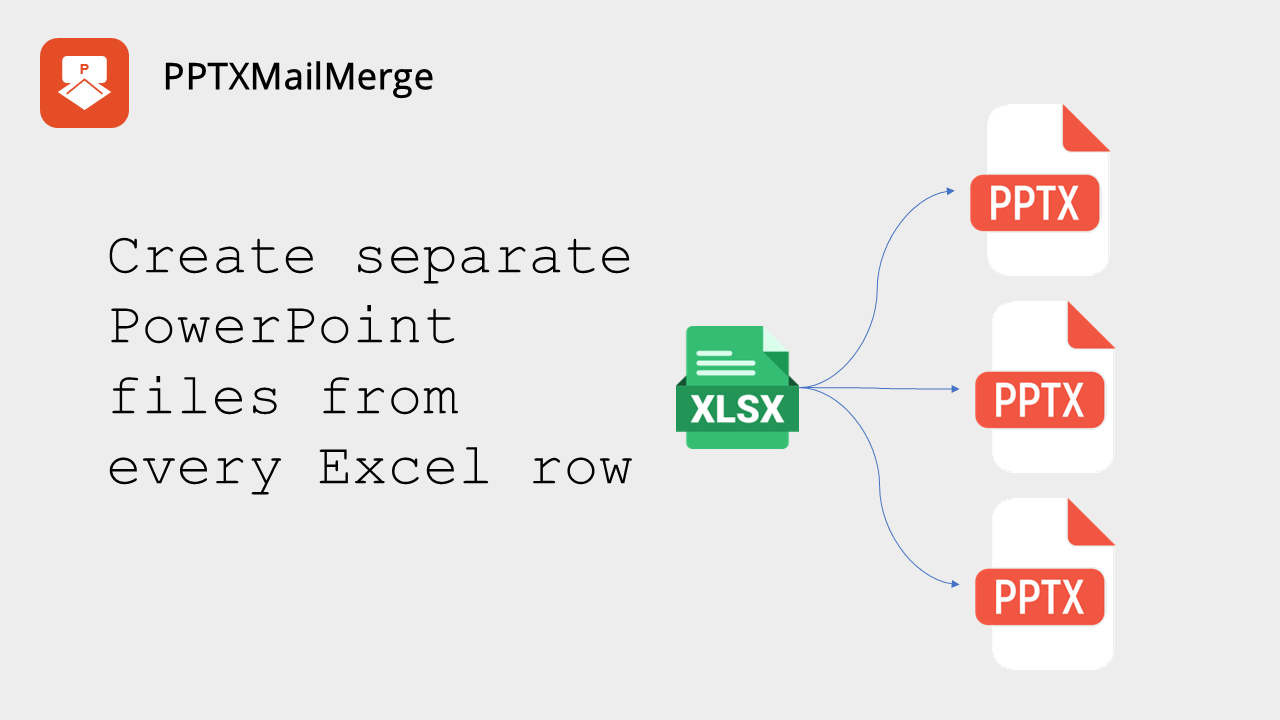
- Choose if you want to output a single presentation file or a file per data row.
- Optionally you can use text and templates to define file names pattern.
4. Upload the files and click 'Submit'
Your presentation is ready in no-time.
You get editable PowerPoint file(s) ready to be used and customized as you wish.
What Our Customers Say
Ready to Get Started?
Experience the convenience and efficiency of our PowerPoint Mail Merge Service today! Upload your files and see how easy it is to create personalized presentations tailored to your audience.
Certificate Generator
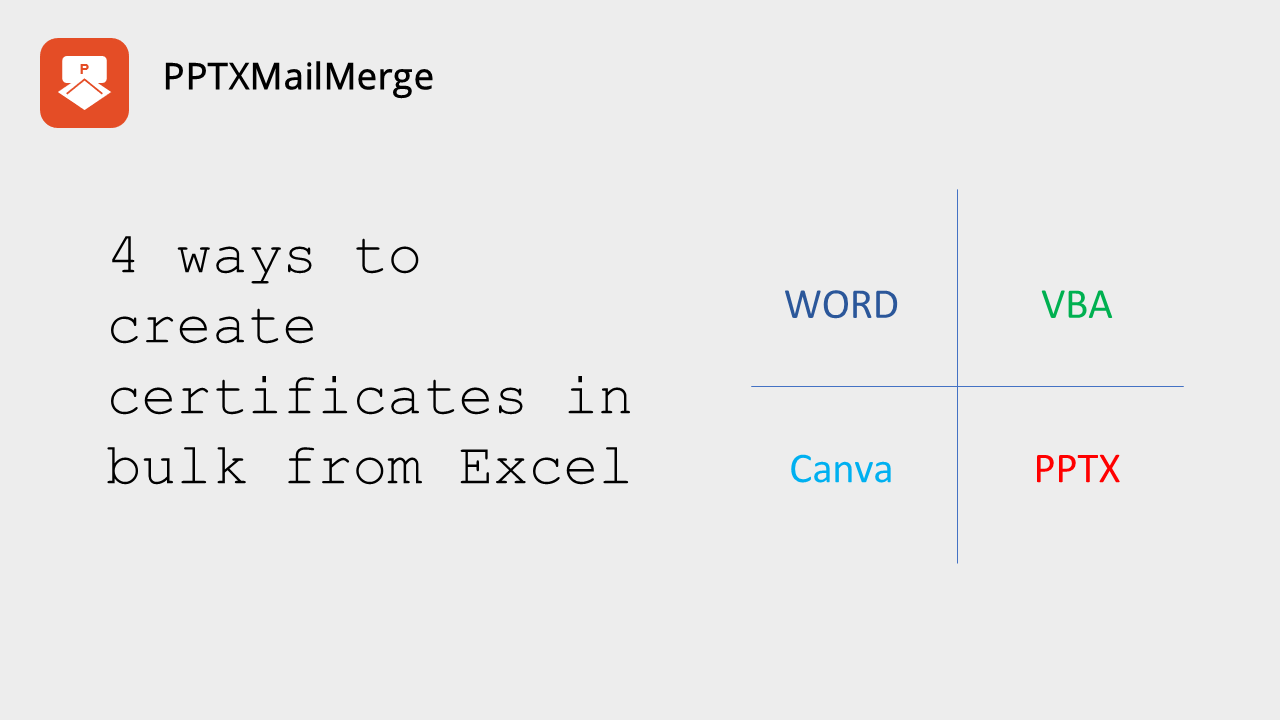
Create hundreds of personalized certificates from your PowerPoint design and Excel recipient data in one click.
Create certificatesMerge XLSX to PowerPoint
Convert your Excel data into engaging PowerPoint presentations.
Get StartedMerge CSV to PowerPoint
Convert your CSV data into professional PowerPoint presentations.
Get StartedExplore the possibilities
Learn how to leverage our service to quickly create data-driven presentations! Check out our use-cases, tutorials, step by step examples and how-tos.
Features
Main features
- Free tier: Explore for free up to 5 slides. Need more? Buy one of our 3-day plans.
- Secure Processing: We ensure your data is handled securely with transport encryption (TSL protocol), CSRF protection and file validation, keeping your information safe.
- No data storage policy: Your data is not stored on our servers - its present just for the time it takes to create your presentation and make it available for you to download and its removed afterwards.
Supported elements for placeholder replacement
- Text boxes
- Images
- Tables
- Charts
- Notes
- QR codes generation (service inserts QR codes for selected data)
- Slides
Supported data files & data operations
- Automatically merge your PowerPoint template with the data from your CSV, JSON or XLSX file, creating personalized slides for each entry.
- Excel-like addressing when using XLSX files e.g.
{{xlsx.Sheet1!A1}},{{xlsx.Sheet1!NamedRange}},{{xlsx.Sheet1!Table1}} - Ability to use multiple data sheets from a single Excel workbook
- Full JSON object tree traversal (accessing nested properties) e.g.
{{json.someObject.property.nestedProperty}} - CSV support for simple data files
Frequently Asked Questions
Learn more
Make sure to checkout our documentation, FAQ page and blog posts with use cases and tutorials to get you started. You will find there detailed explanations and recipies on how our service can help you solve your day2day PowerPoint mail merge challenges.